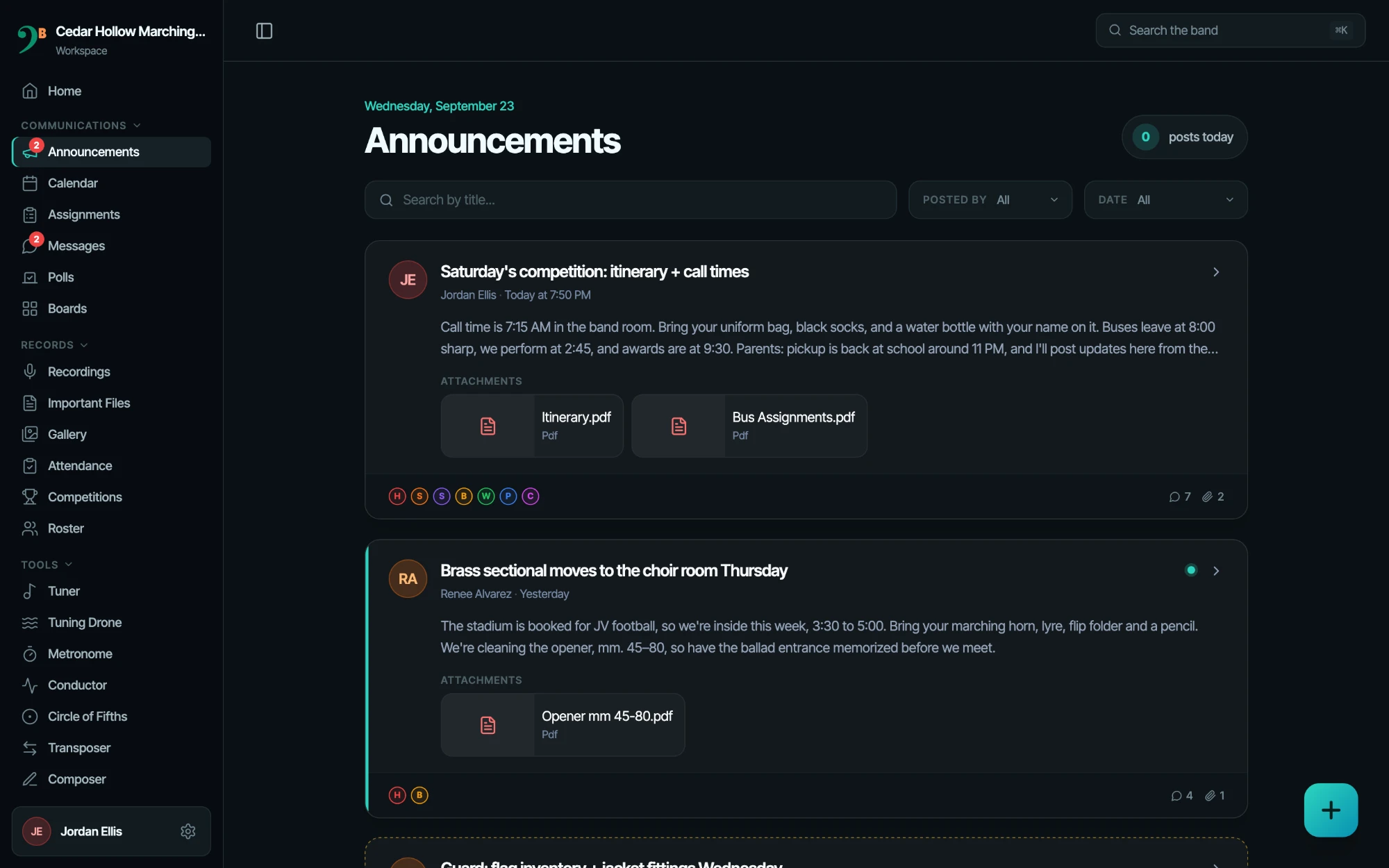
Schedule a post for 6 a.m., let it expire after the trip, attach the itinerary and a video. See exactly who's read it.
Scheduled posts & expiry06:00 → Fri
Read receipts87 / 92 read
Files, video, YouTube embedsitinerary.pdf
Comments with a pinned answerpinned
02 / 06
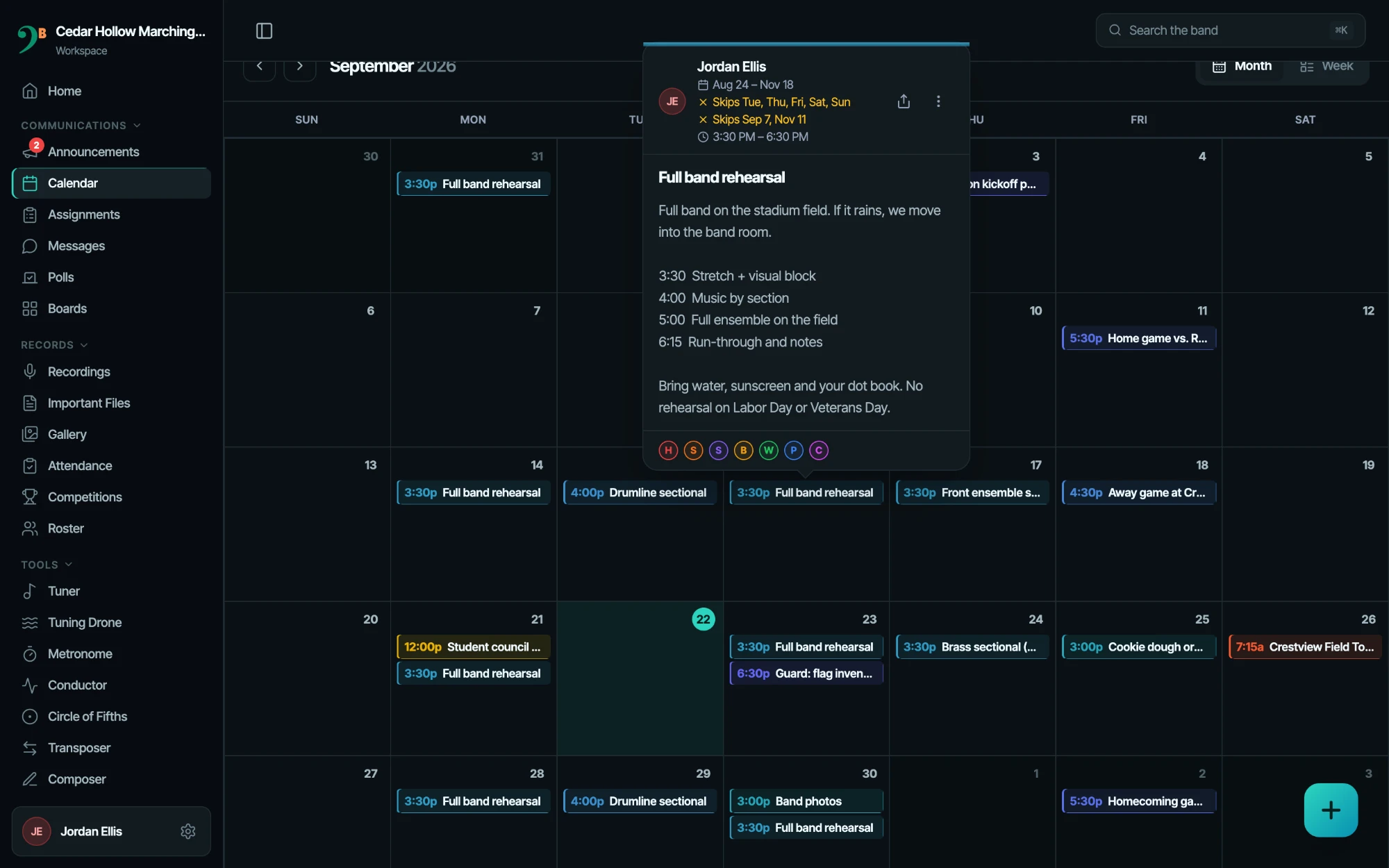
Calendar
Rehearsals, games and trips, each with times, files and role targeting. Guard gets the early call time; parents get the pickup.
03 / 06
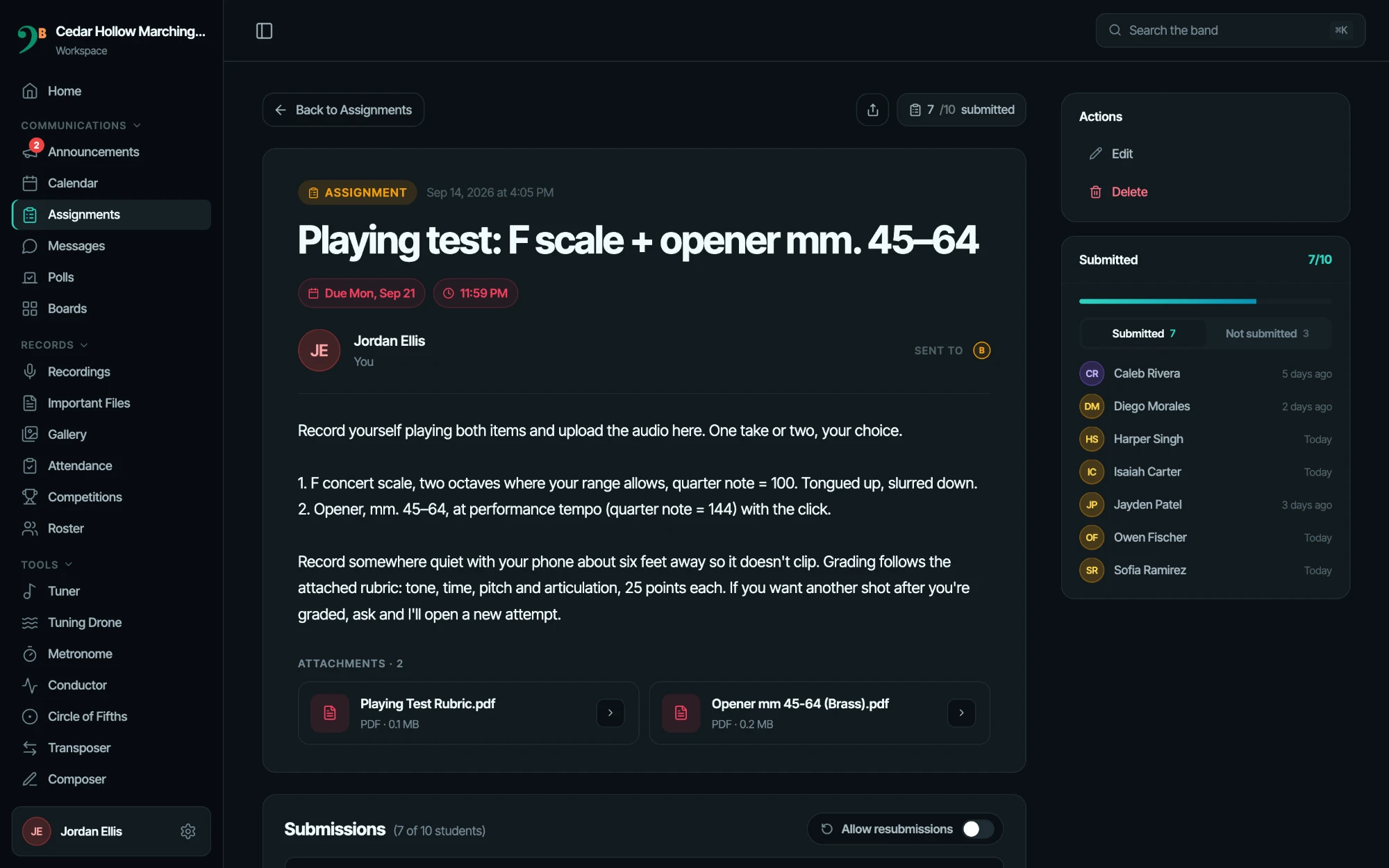
Assignments
Playing tests arrive as video submissions, with multiple attempts allowed. Grade with private feedback.
Video submissions, multiple attempts
Grading with private feedback
A Q&A thread that becomes the FAQ
Compositions attached straight from the composer
04 / 06
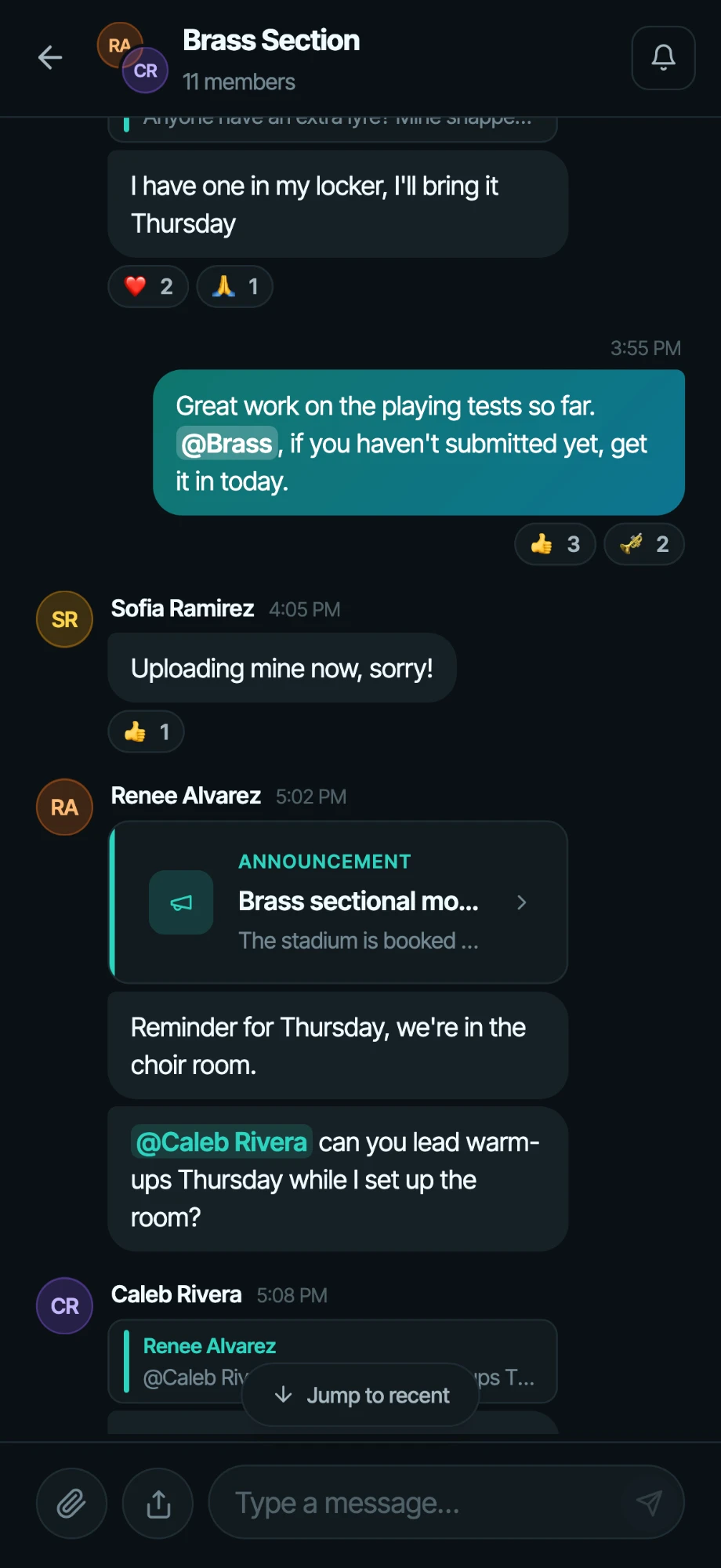
Messages
DMs and group chats with @mentions and reactions. Share any post into a chat, run read-only announcement channels, and block or report from inside the app.
05 / 06
Polls
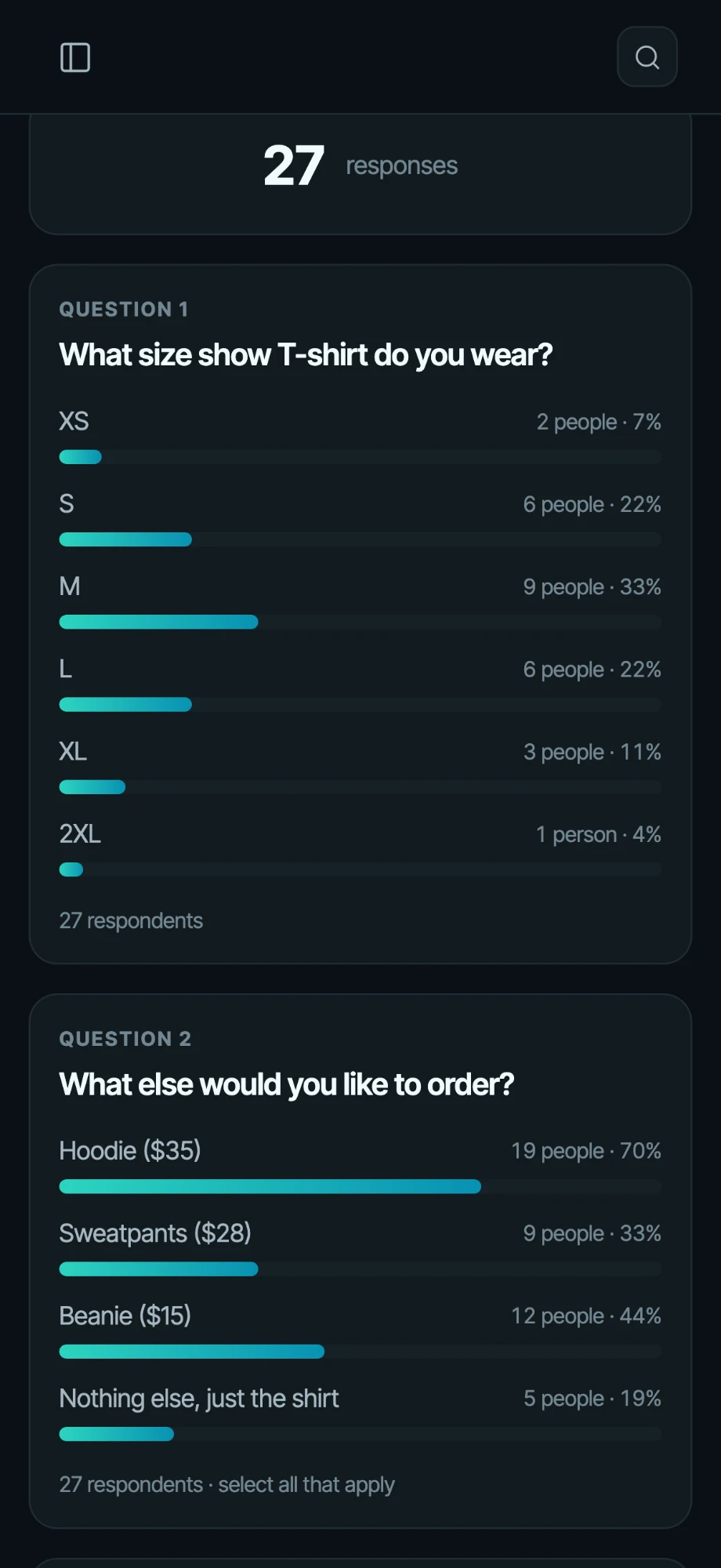
Multiple choice, select-all, or free text. T-shirt sizes, bus counts, show music votes. The director sees every result.
06 / 06
Boards
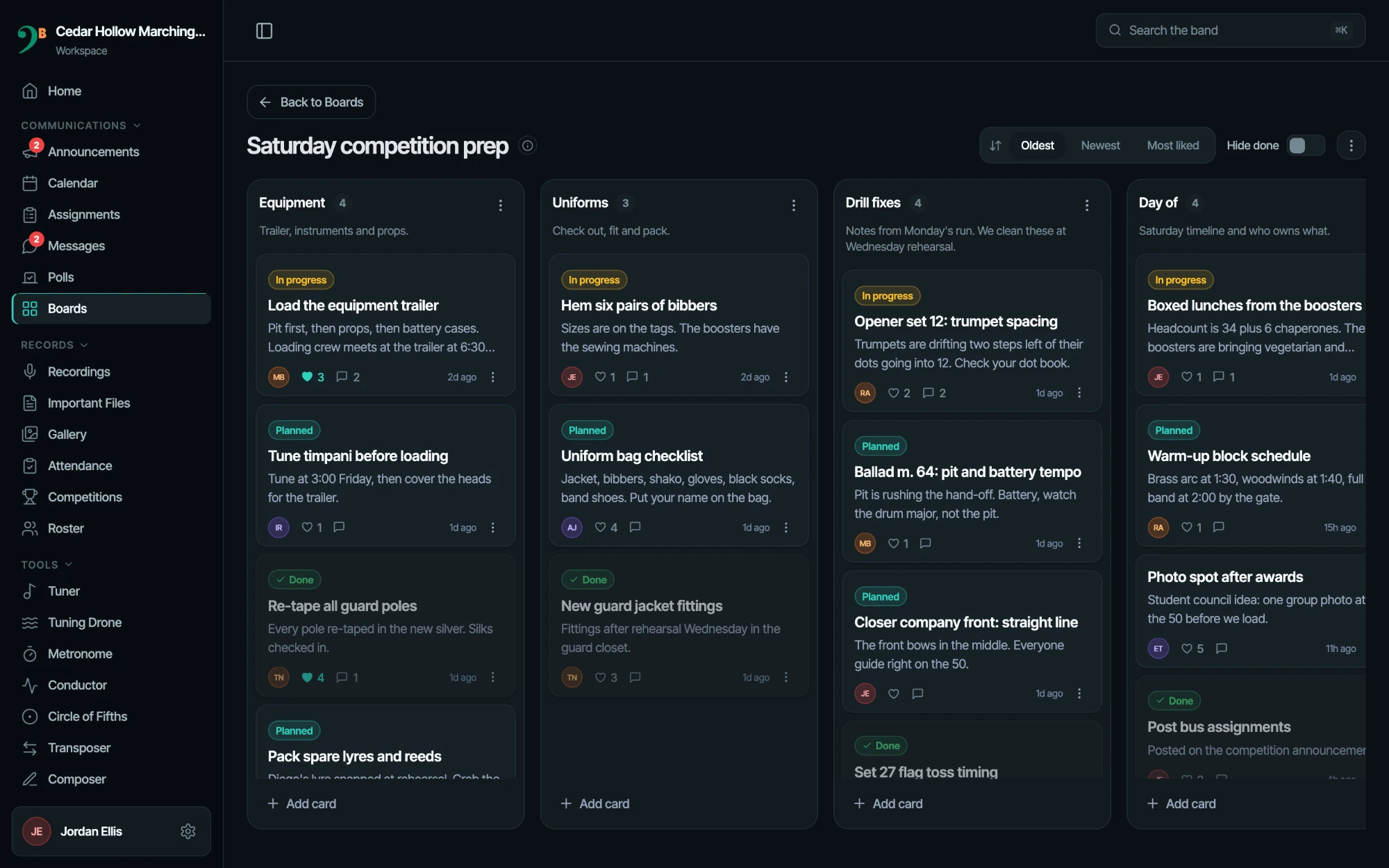
As many boards per band as you need, with columns and cards: uniform checklists, drill fixes, fundraiser tasks. Roles set who can view, contribute or manage each one.
viewcontributemanage
§ 02 — RECORDS
The band's paper trail, minus the paper.
Rc
Recordings
Comments pinned to a timestamp in the video, so "bar 32" means bar 32.
At
Attendance
Roll call with late, missing and excused. Students see their own record.
Ro
Roster
Per-band names and roles. Directors manage it.
Fi
Important Files
Handbook, forms, drill charts, parts. One place, always current.
Ga
Gallery
Photo and video albums from every trip, game and show.
Co
Competitions
Scores by circuit and season, shared across bands in the circuit.